Create Ads with Storyly
Sip of Inspiration
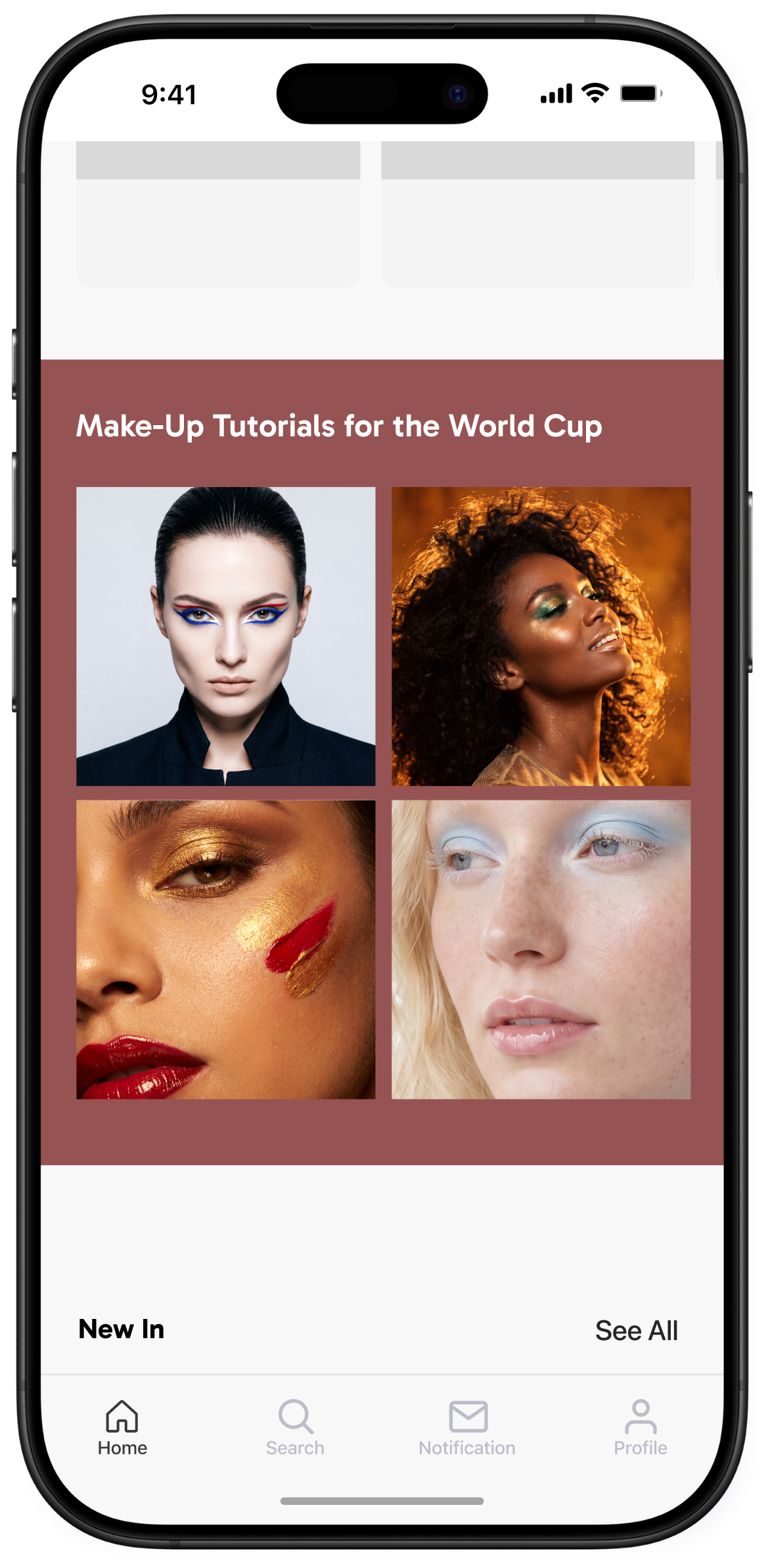
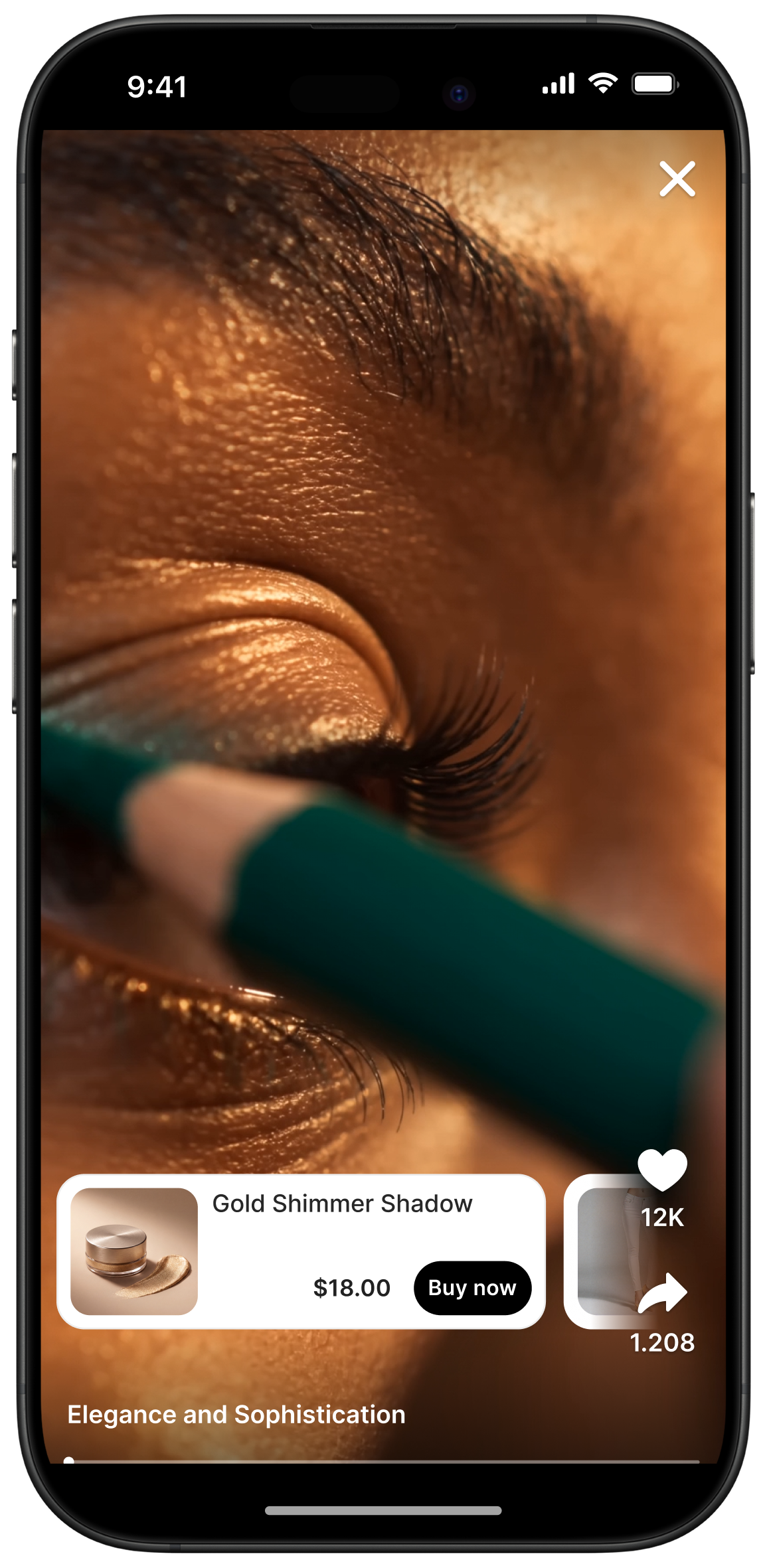
Over the past few months, we’ve had discussions with publishers from all around the world to understand their challenges in monetization. A common problem emerges: how to monetize without compromising the user experience. It’s now possible to deliver programmatic ads in the story format thanks to Google Ad Manager and Google AdMob integration for mobile apps and Google AdSense integration for websites. Moreover, mobile apps can manage their direct deals and premium partnerships for story ads in Google Ad Manager just like they do for other ad placements. This new solution allows publishers to monetize their stories easily.
For mobile apps, we now have Monetization SDK which includes Google Ads integration. Once you create your native ad format in your Google Ads account, then simply go to your Storyly dashboard to pick an ad template, provide your Google platform ID, and adjust your ad settings (frequency, ads per session etc.).
For websites, Storyly renders vertical display ads in the story format. Once you create your ad unit in the Google AdSense account, just paste it to your ad settings in the Storyly dashboard and you’ll start delivering story ads.
You can check out examples of Storyly in action.


Our playbook has more details
_2.png)
_3.png)