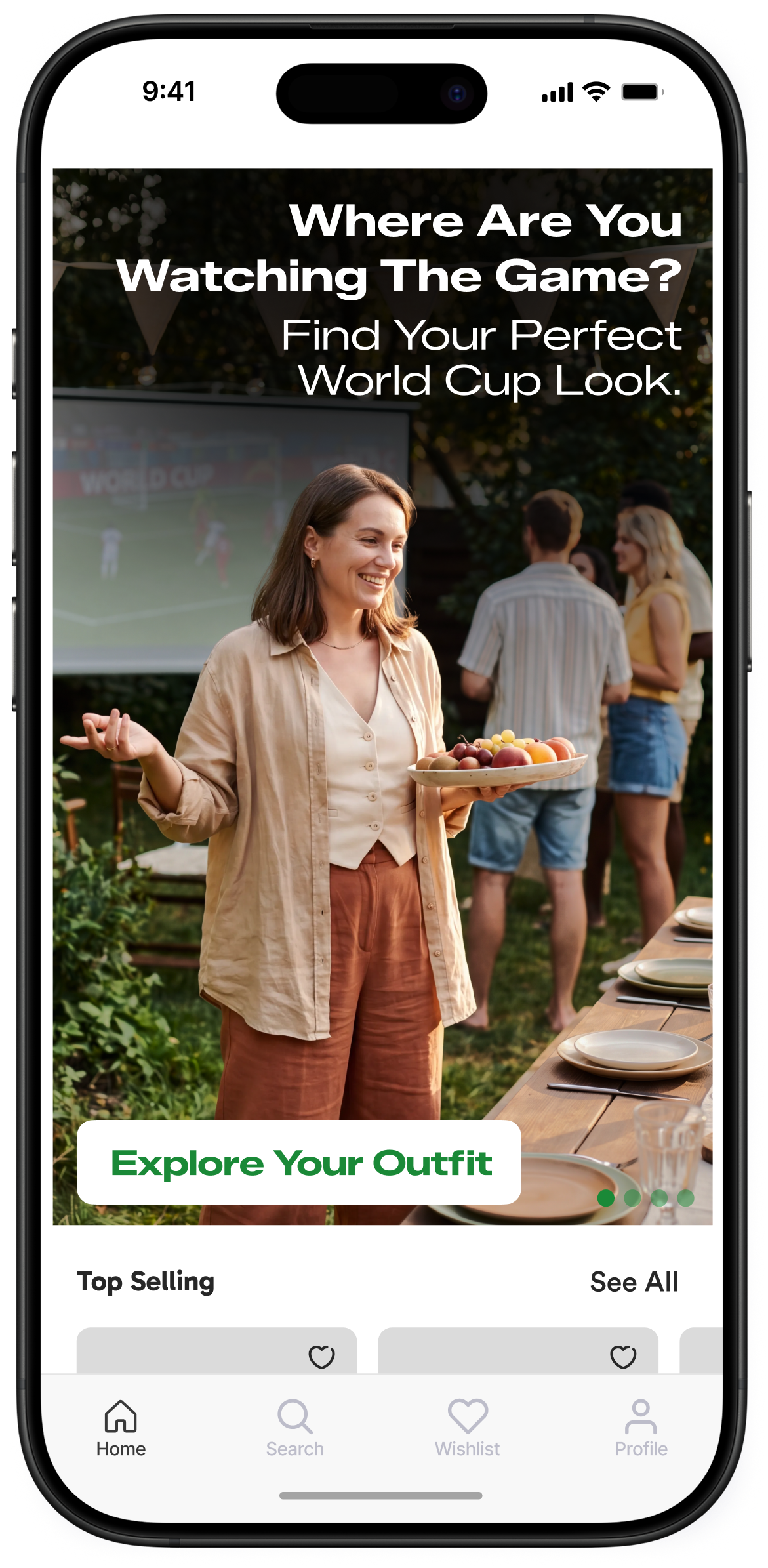
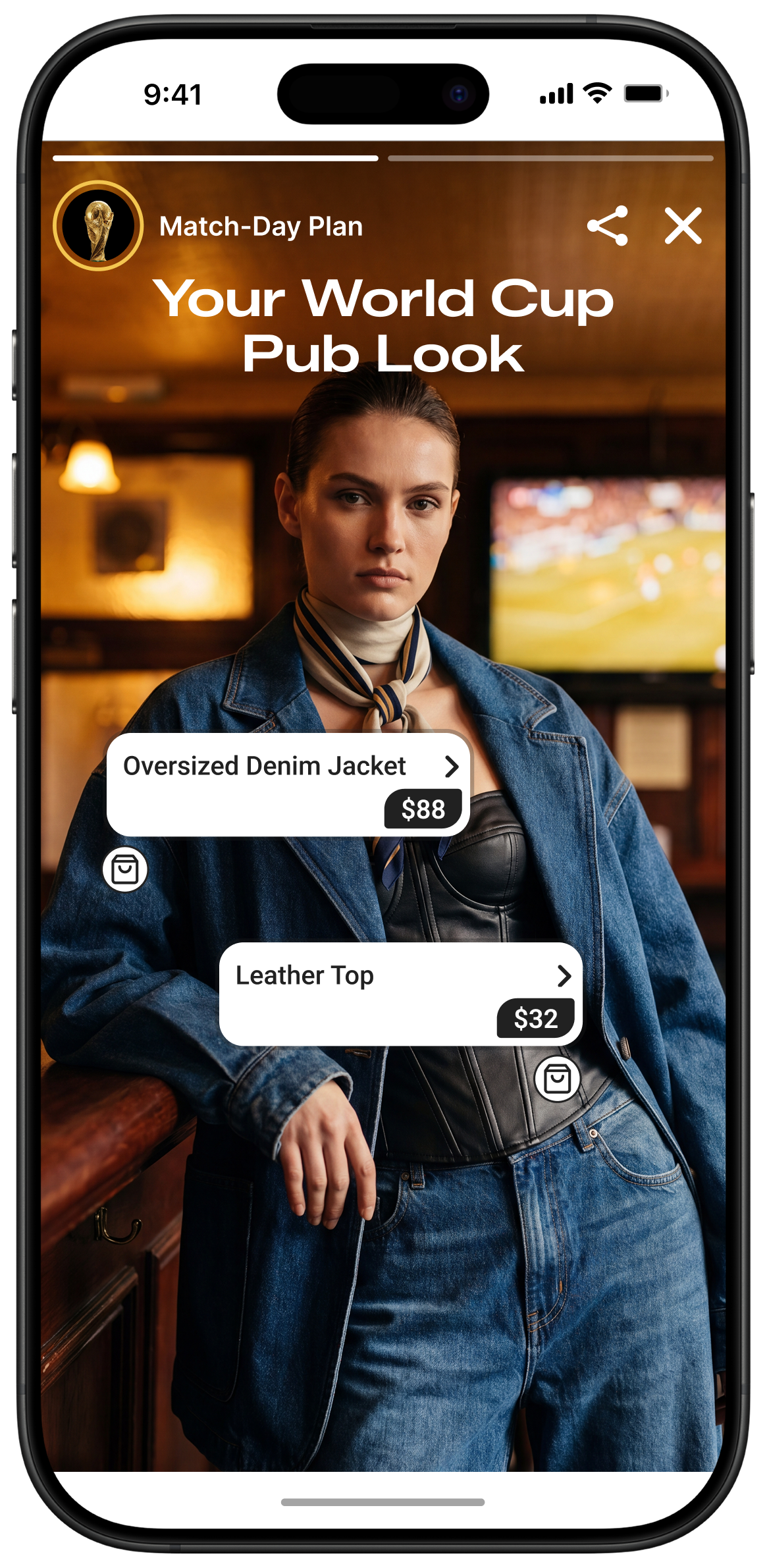
Increase Interaction by Bringing In-App Stories to Different Pages!
Sip of Inspiration
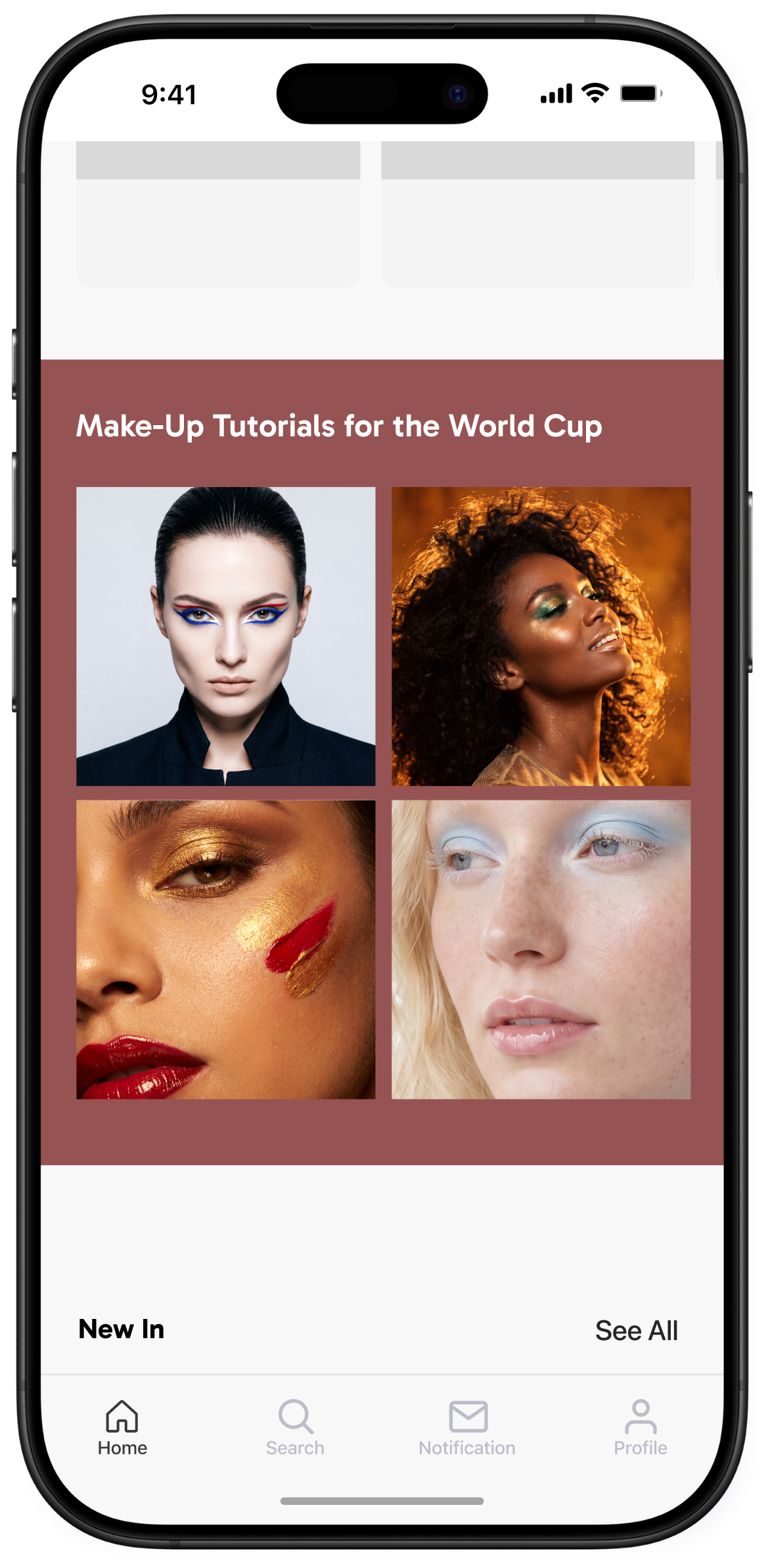
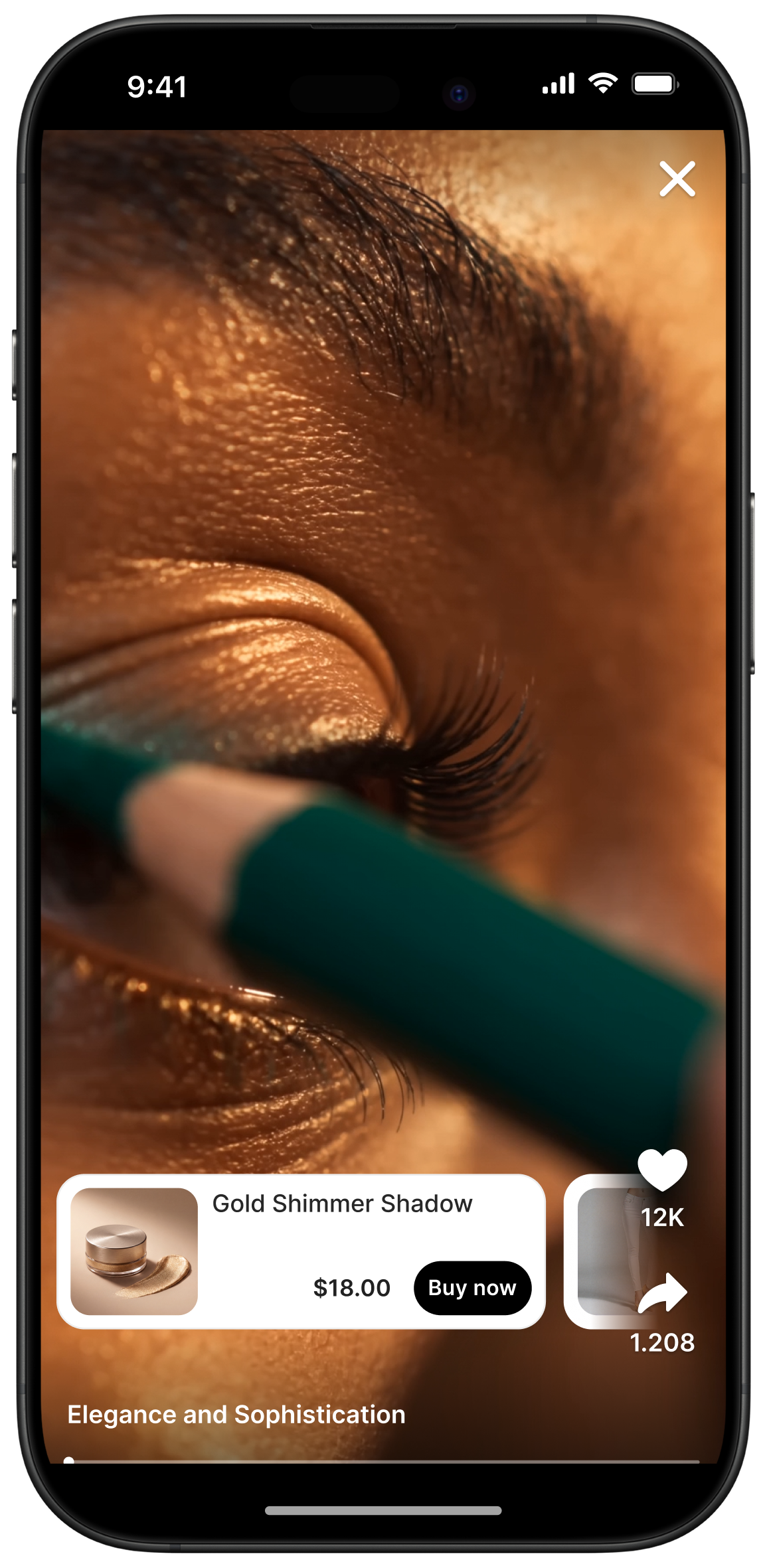
You don’t have to limit your story experience with your homepage. Storyly gives you the flexibility to insert the full-screen story experience to any page or triggered by any action within the app you’d like. You may have it in your product / category pages, or content pages, or you may call the full-screen story experience after certain actions of your users within your app, like showing a feedback story to someone who just booked a holiday with you! This is doable through a variety of ways, such as, creating unique instances per page from the Storyly studio or using app page information as “labels” etc.
You can check out examples of Storyly in action.


No items found.


Our playbook has more details
_2.png)
_3.png)