Pique User Curiosity with Custom Story Covers
Sip of Inspiration
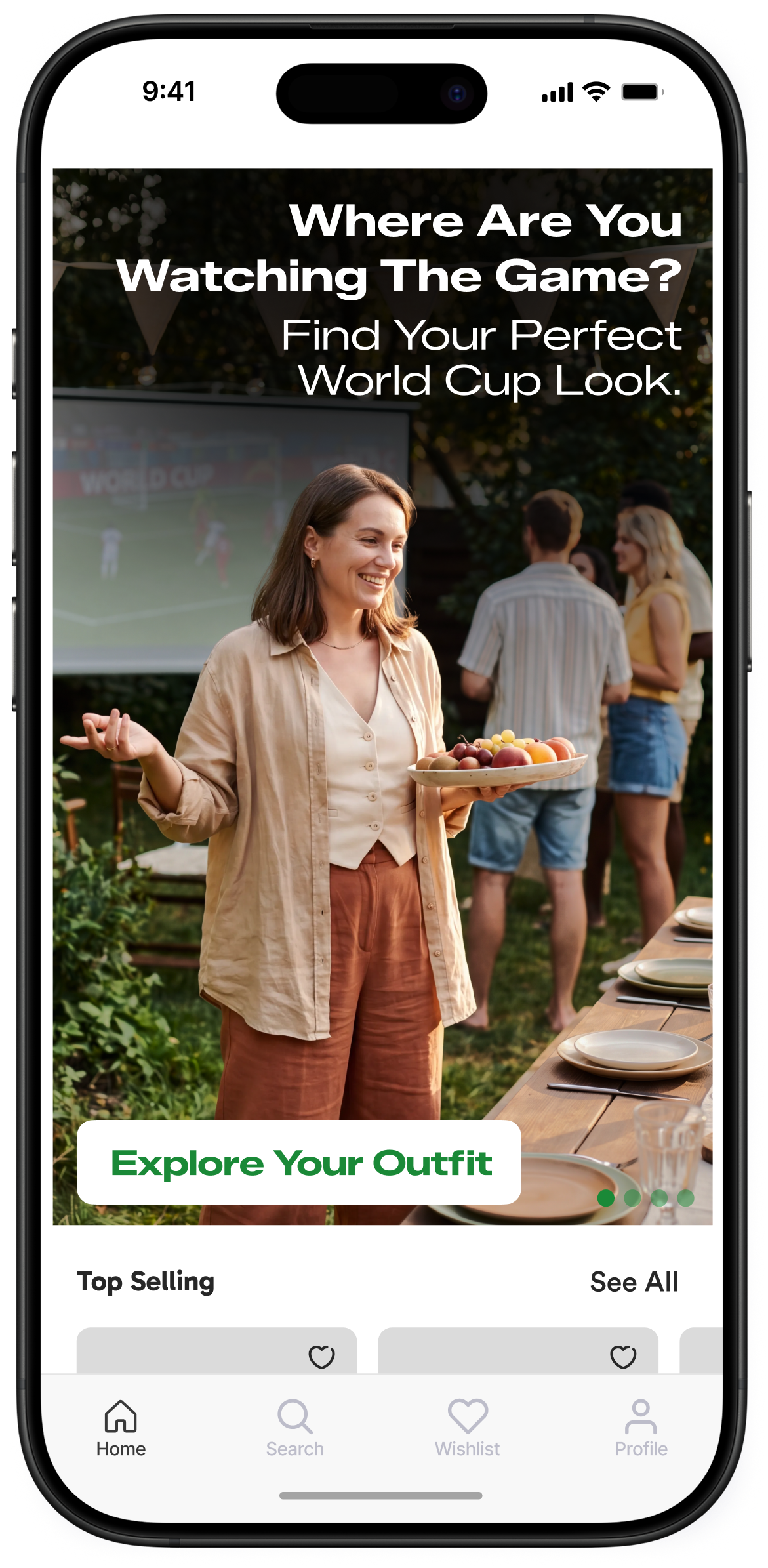
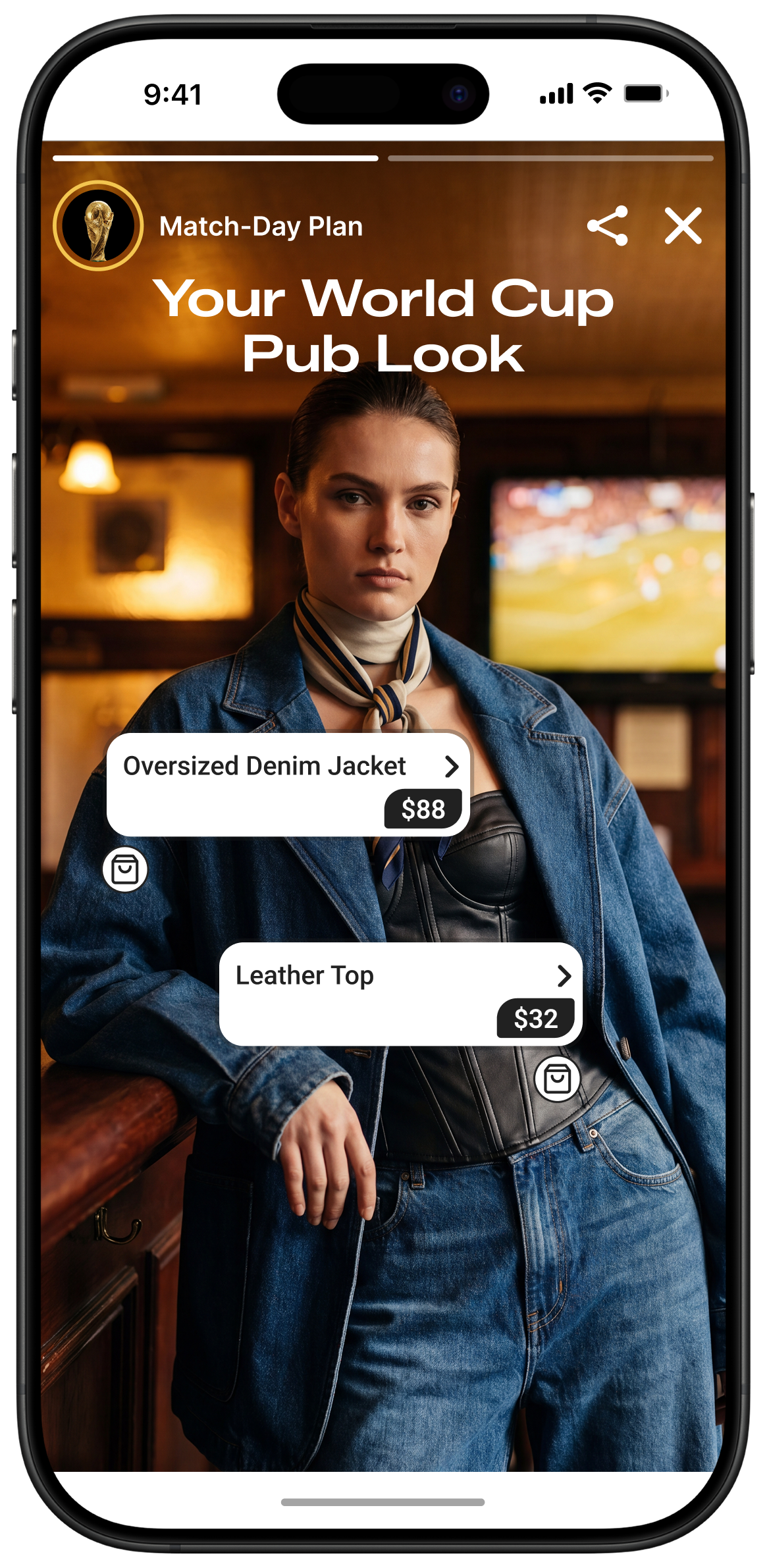
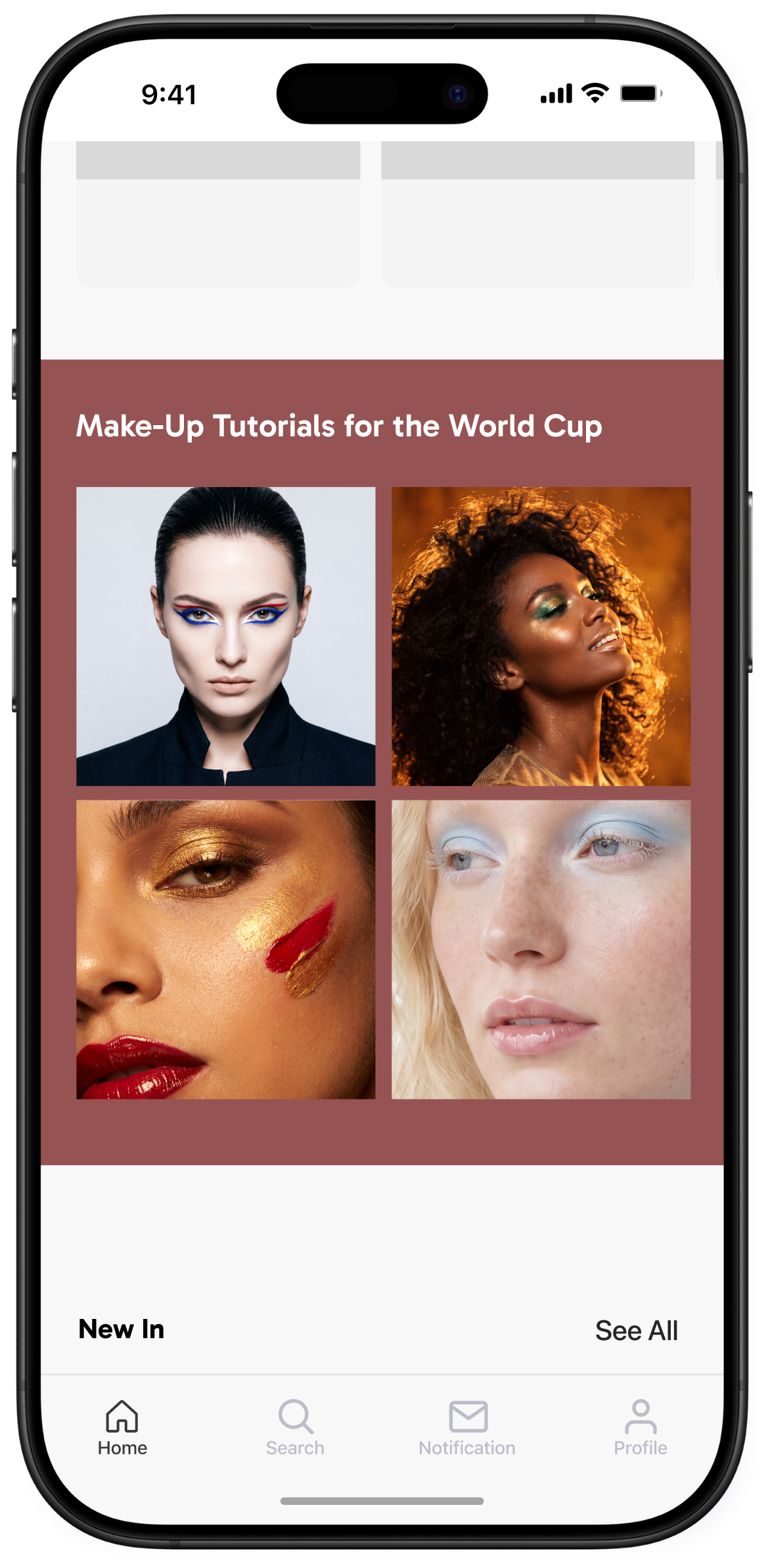
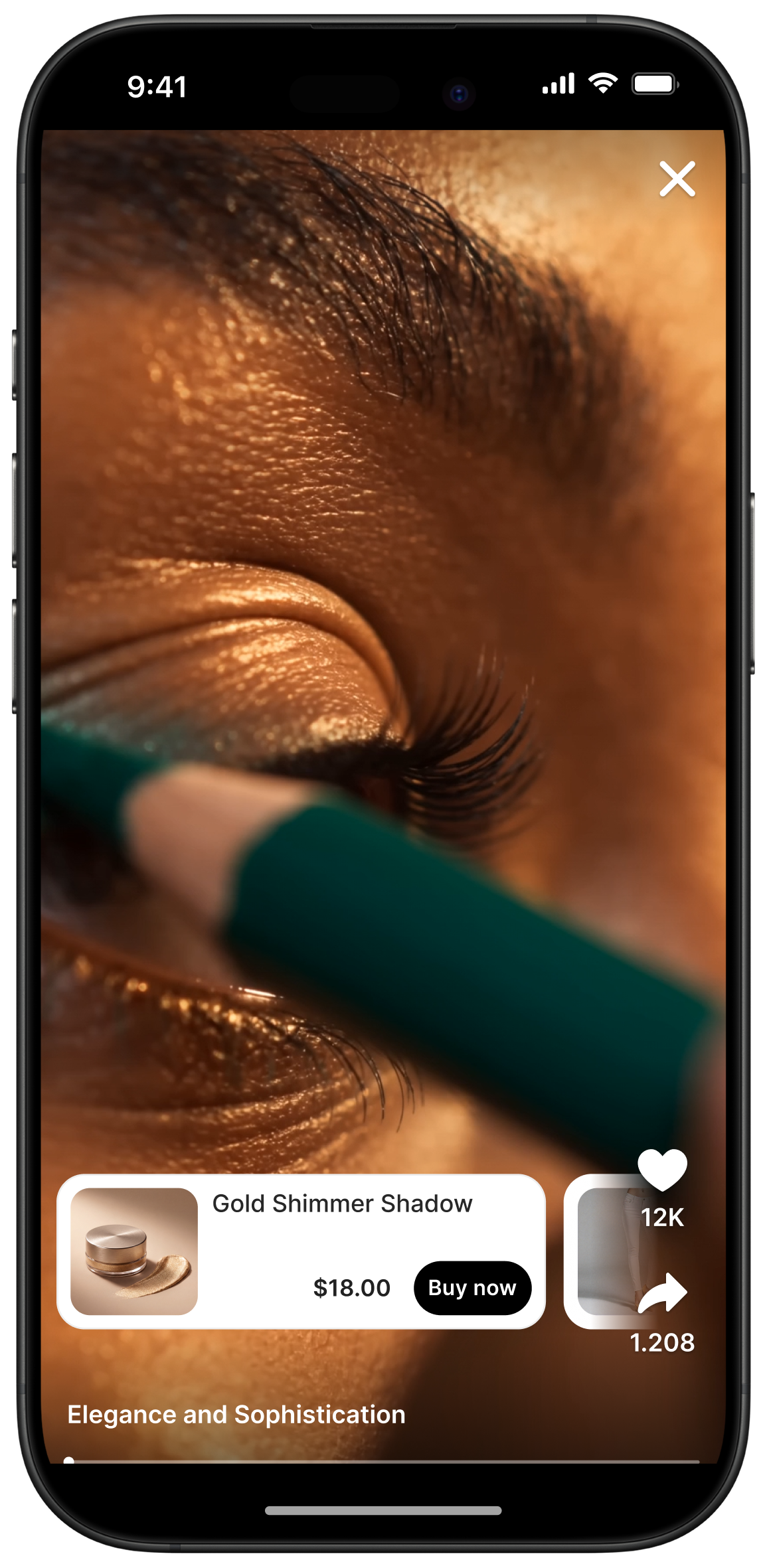
You can customize your Story groups covers in a way to reflect the look and feel of your app and website.
While the standard circle entry point is familiar and easily recognizable, you can choose a shape that fits your style and maximize available space. It can also help pique the curiosity of your users, boosting engagement and helping them access more of your content. Just because many brands use the same tool, doesn’t mean they all have to look the same. Customizing Story group covers is a great way to stand out from the crowd (and the competition!).
In addition, custom cover group styling displays covers dynamically by showing the first unseen story in the group, meaning that as your users watch stories, the cover image will change to the unseen one. When users tap or click through to see Story content, the entry point “marks their place” so that the next time they visit the website or use the app, they’ll see a fresh cover of the latest unseen Story. This combination of familiar entry points, and dynamically refreshed content is perfect for keeping audience interest high.
You can check out examples of Storyly in action.


Our playbook has more details
_2.png)
_3.png)